
Your Network Is Your Business Lifeline
You secure a business network by locking down passwords, patching every device, installing a business-grade firewall, separating sensitive systems, and monitoring it all on a schedule. None of it requires a computer science degree. It requires a plan and someone accountable for following it.
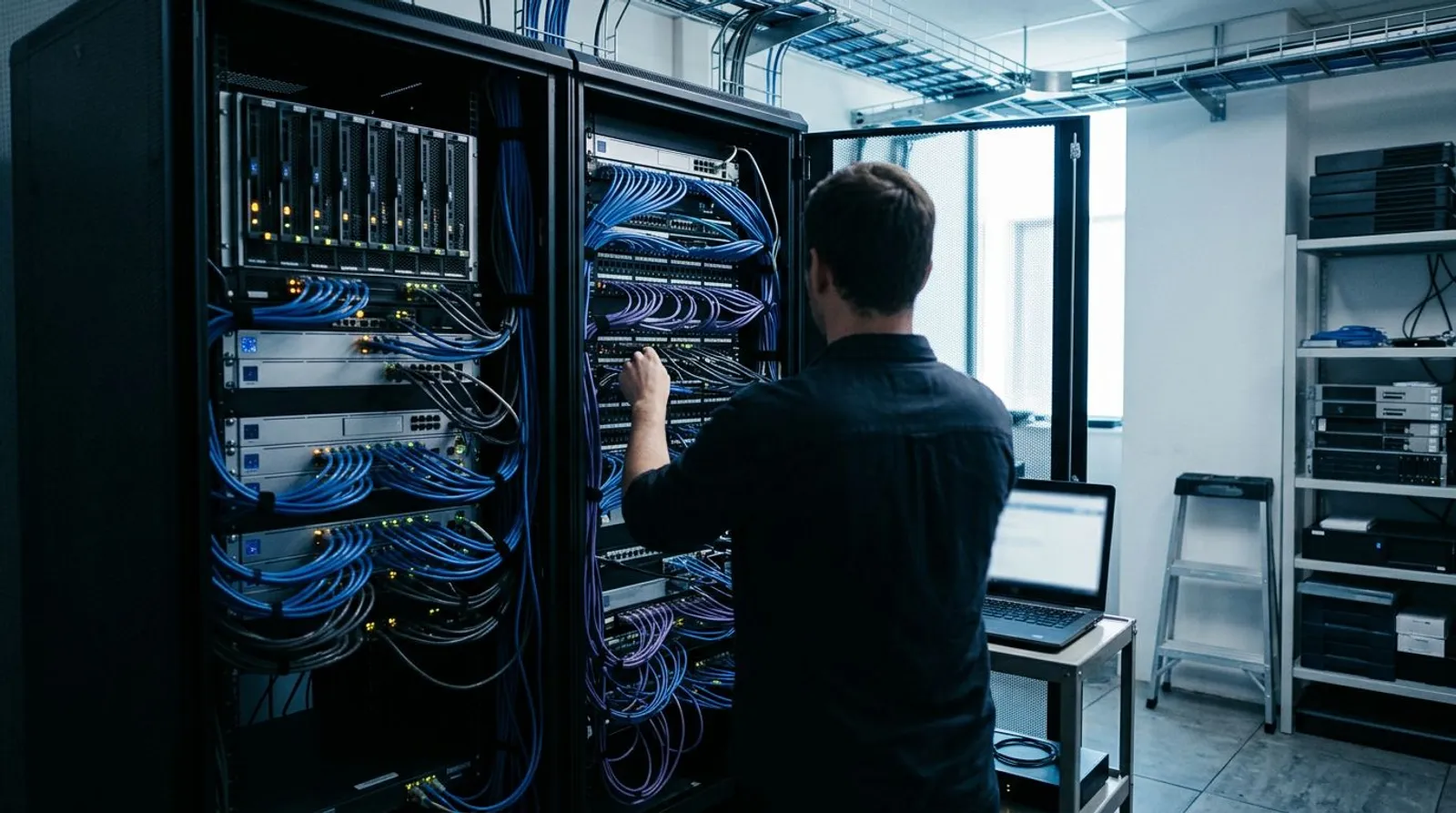
Your business network carries your email, your files, your phones, your card payments. When it goes down or gets breached, work stops. That’s the real cost of weak network security: lost uptime, exposed data, and compliance trouble.
Small businesses aren’t exempt. Our own writing has noted that SMB owners often think they’re too small to be targeted. Attackers don’t check your headcount first. They scan for open doors.
This guide walks through the steps in order.
Start With These Foundational Protections
Start with these foundational protections by changing default passwords, enabling automatic updates, and isolating guest WiFi on its own network. These cost nothing and close the entry points attackers try first.
Then write down every device that touches your network, so you know what needs protection.
Lock Down Passwords and Access Controls
Change every default password on routers, switches, printers, cameras, and access points. Factory logins are public knowledge, and attackers try them first.
Then tighten how people sign in:
- Give each employee a unique account. No shared logins.
- Turn on multi-factor authentication for email, VPN, and any admin account.
- Remove accounts the day someone leaves.
- Limit admin rights to the people who truly need them.
Multi-factor authentication adds a second proof of identity, like a code on a phone. A stolen password alone then isn’t enough.
Enable Automatic Updates on Every Device
Automatic updates close known security holes before attackers use them. Turn them on for computers, servers, phones, and network gear.
Routers deserve special attention. We’ve written about attackers who found exploits in 3.5 million routers and used them as proxy servers to hide phishing emails, spam, and DDoS attacks. Old firmware is an open invitation.
Retire what vendors no longer patch. Older systems like Windows 7 or Windows 8.1 need special care.
Separate Guest WiFi From Business Systems
Guest WiFi should run on its own network so visitors never share a path with your servers, workstations, or point-of-sale systems. Most business-grade routers and access points support this.
Give guests a separate password and keep it off your internal network. Change it periodically.
Also review UPnP on your router. We’ve explained how UPnP’s port mapping features can be used to target vulnerable computers on the LAN side of the router. Turn it off unless you have a specific need.

Build Stronger Defenses as You Grow
Build stronger defenses as you grow by adding a business-grade firewall, segmenting your network by function, and securing every remote connection. Each layer limits the damage if another fails.
Choose and Configure a Business-Grade Firewall
Yes, you need a firewall to secure your business network. It’s the gatekeeper between your internal network and the internet, and it keeps unwanted actors out of your IT network.
Modern firewalls do more than block traffic. They inspect data for threats and can divide your network into zones. Here’s how the options compare:
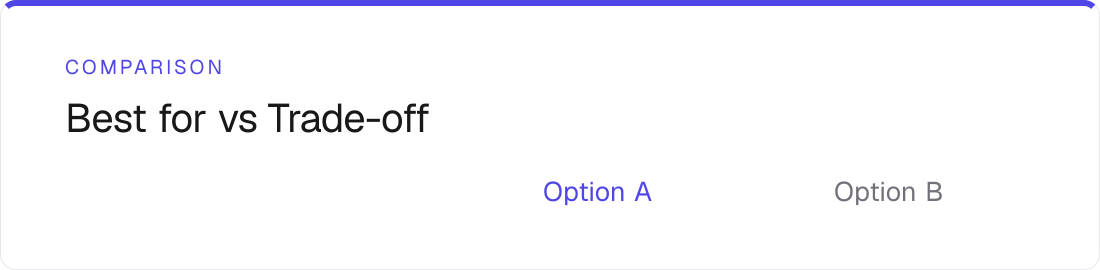
| Option | Best for | Trade-off |
|---|---|---|
| Hardware firewall | Offices with multiple employees | Needs proper setup and updates |
| Software firewall | Very small setups, single computers | Protects only the device it runs on |
| Firewall plus anti-malware and encryption | Any business handling client data | More pieces to maintain |
The consumer router your internet provider supplied isn’t a substitute. A firewall only protects you when someone configures rules, keeps firmware current, and reviews the logs.
Segment Your Network by Function and Sensitivity
Network segmentation splits your network into isolated zones so a breach in one area can’t easily spread to others. Think of separate rooms with locked doors instead of one open floor.
Common zones include:
- Payment systems
- Office workstations
- Servers and file storage
- Guest WiFi
- Printers, cameras, and other connected devices
This matters most when you handle sensitive data. A medical office keeping patient records away from front-desk traffic is one example. A retailer isolating card terminals is another.
Secure Every Remote Workplace Connection
Secure a remote workplace by requiring an encrypted connection, multi-factor authentication on every login, and managed devices wherever possible. Public WiFi then can’t expose company data.
Put these rules in writing:
- All remote access goes through a VPN or similar secure connection.
- Company laptops get company-managed security settings.
- If staff use personal devices, set clear policies for updates, screen locks, and lost-device reporting.
- Never expose remote desktop directly to the internet.
Our team builds secure remote workplace technology solutions for businesses. We also design, install, and support firewalls, VPNs, and wireless solutions.
Stay Ready With Maintenance and Monitoring
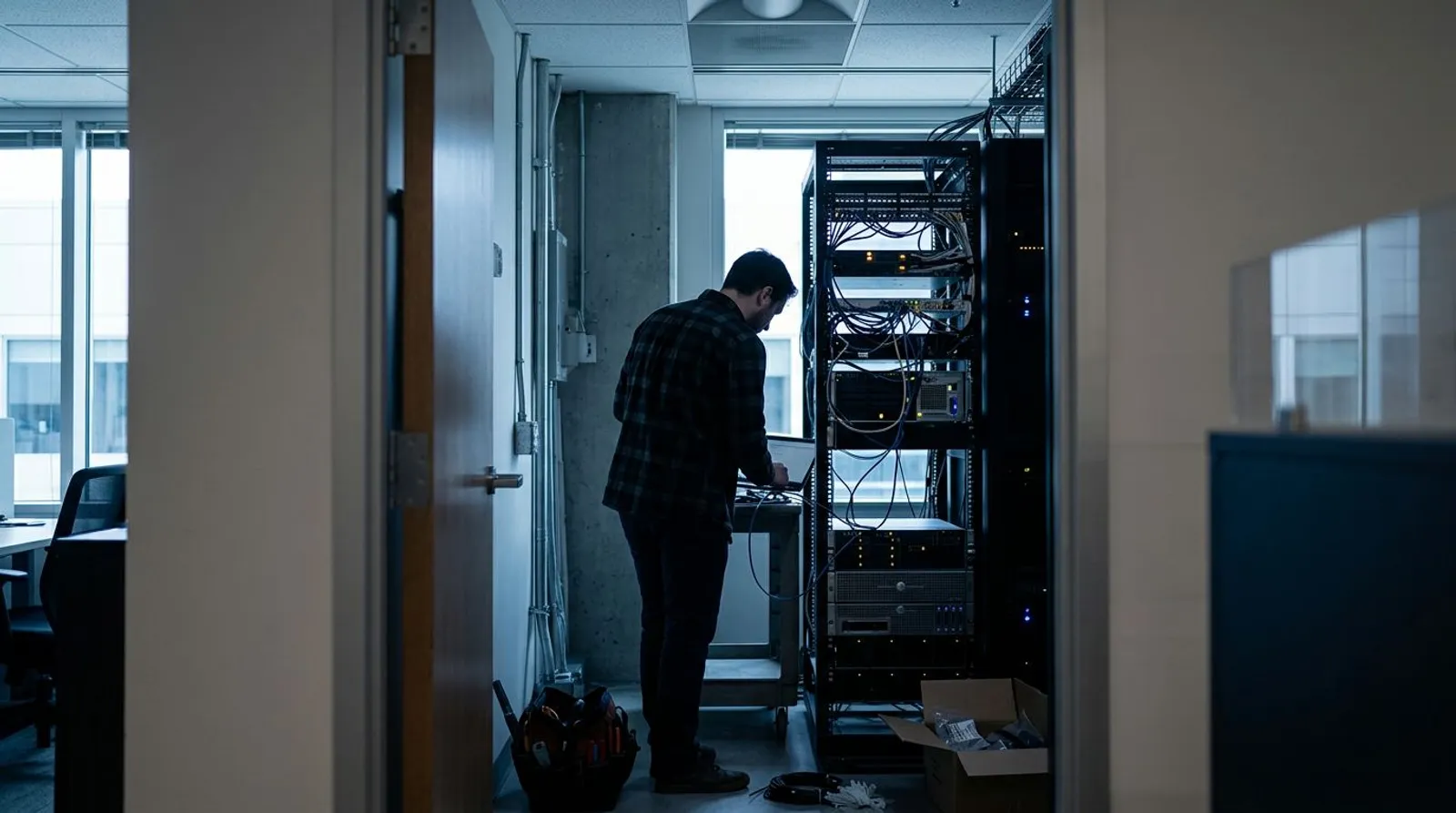
Stay ready with maintenance and monitoring because security decays when nobody maintains it. Review your setup at least quarterly, patch on a schedule, test backups monthly, and watch for unusual activity.
Schedule Regular Updates and Patch Cycles
Schedule regular updates and patch cycles by applying software patches as vendors release them, treating critical fixes as urgent, typically within days. Then review your full security setup every quarter.
Reassess your whole strategy annually. Do it sooner when you add major new technology or a new compliance obligation.
A simple quarterly checklist helps:
- Confirm every device is still receiving updates.
- Audit user accounts and admin rights.
- Review firewall rules.
- Update your device list.
Test Your Backups Before You Need Them
Test your backups monthly by restoring a real file or system, because a backup you’ve never restored is only a hope. Failed backups usually get discovered during an outage.
Keep at least one copy offline or separate from your main network. That way an attacker who gets in can’t wipe everything at once.
A tested backup also supports your continuity plan.
Watch for Unusual Activity Without Drowning in Alerts
Monitor for a short list of meaningful signals: failed logins, new admin accounts, unfamiliar devices, and odd traffic at odd hours. Tuning alerts matters more than collecting them.
Too many alerts and people ignore all of them. Decide who receives each alert, and what they do next. If that person is also your office manager, that’s a sign monitoring belongs with an expert.
Know When to Call a Network Engineer
Call a network engineer when compliance rules apply, when security depends on one busy employee, or when you can’t say what’s connected to your network. Managed IT services provide ongoing oversight so security doesn’t rely on someone remembering to check updates.
Compliance Requirements That Demand Expert Help
Your industry decides which standards apply. Healthcare practices need HIPAA protections. Businesses taking card payments need PCI compliance. Government contractors may need CMMC or NIST frameworks.
Each standard specifies technical controls like encryption, access logging, and regular risk assessments. These are enforceable requirements, not suggestions.
We also design robust, secure networks for medical and dental practices.
Signs Your Current Setup Has Gaps
Your setup has gaps if you can’t list your devices, still use default passwords, or have never restored a backup. Any one of these is reason enough to get a review.
Watch for these warning signs:
- Guest and business devices share one network.
- Nobody owns patching.
- Former employees still have active accounts.
- Your router or firewall hasn’t been updated in a long time.
- You can’t say what your compliance obligations are.
A vulnerability assessment is a practical first step. It shows what’s exposed before an attacker does.
What Managed IT Services Include for Ongoing Protection
Managed IT services give you continuous monitoring, patching, backups, and support from named engineers. At PJ Networks, that includes network monitoring, cybersecurity, data backup and recovery, cloud management, help desk support, and IT consulting.
- A Dedicated Primary Engineer assigned to your account.
- 24/7/365 availability. You’ll always be able to reach a Network Engineer, 24/7, 365 days a year.
- That’s our policy and our guarantee to our IT Managed Services clients.
- No surprise invoices. Urgent issues during business hours get same-day service, on-site or remote, with no emergency rates or extra charges.
Security Is a Process, Not a Purchase
Network security never finishes. You build the basics, add layers, maintain them, and bring in help where the risk outgrows your time.
Here’s your list for this week:
- Change every default password.
- Turn on automatic updates.
- Set up separate guest WiFi.
- Enable multi-factor authentication on email and remote access.
- List every device on your network.
PJ Networks has also won FIRST PLACE in the Daily Progress Readers’ Choice Awards for the past 11 years in a row.
Frequently Asked Questions
What are the first steps to secure my business network?
Start by changing default passwords, enabling automatic updates, and creating a separate guest WiFi network. These cost nothing and close the most common entry points. Then document every device that connects, so you know what needs protection.
Do I need a firewall for a small business network?
Yes, every business network needs a firewall. It acts as a gatekeeper between your internal network and the internet. Hardware firewalls suit offices with multiple employees, while software options fit very small setups.
How do I protect my network when employees work remotely?
Require a secure, encrypted connection and multi-factor authentication for every remote login. Issue company-managed devices when possible. If staff use personal devices, set clear written policies for updates and lost devices.
What is network segmentation and why does it matter?
Network segmentation splits your network into isolated zones, such as payment systems apart from general office traffic. If one zone is compromised, attackers can’t easily move to others. It matters most for businesses handling sensitive data under HIPAA or PCI requirements.
How often should I update my network security?
Review your security setup at least quarterly and apply critical patches within days of release. Test backups monthly. Reassess your full strategy annually, or whenever you add major technology or compliance obligations.
When should I hire a Network Engineer instead of handling security myself?
Hire a Network Engineer when compliance applies or security depends on one busy employee. Managed IT services provide ongoing oversight, so updates and monitoring don’t get skipped. We pair every client with a Dedicated Primary Engineer.
